
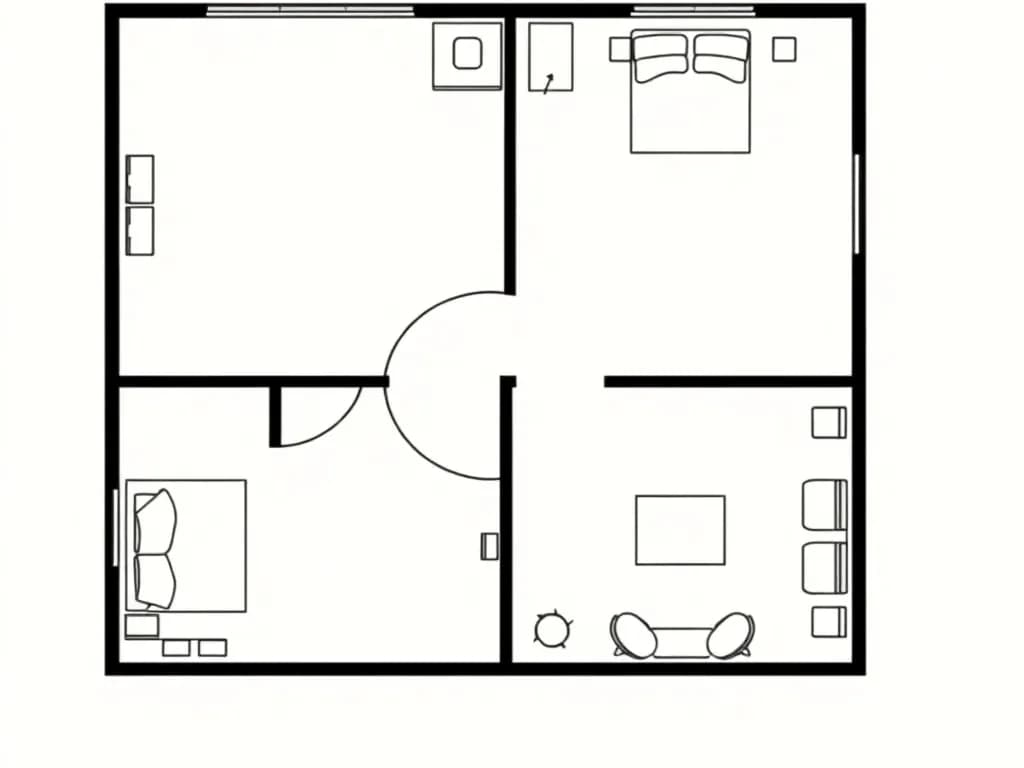
2D Floor Plan Editor
Draw walls, place doors and windows, and detect rooms automatically. Click-to-place with snap-to-grid and measurement tools.
RoomCraft is a 2D floor-plan editor and a real-time 3D walkthrough in one browser tab. Draw the walls, drop in furniture, and watch the room come to life as you work.
No account needed for the demo — it opens a furnished two-room plan you can click through.
Showcase
Real screenshots from the live editor. Open the demo to click through the same plan yourself — no sign-up.
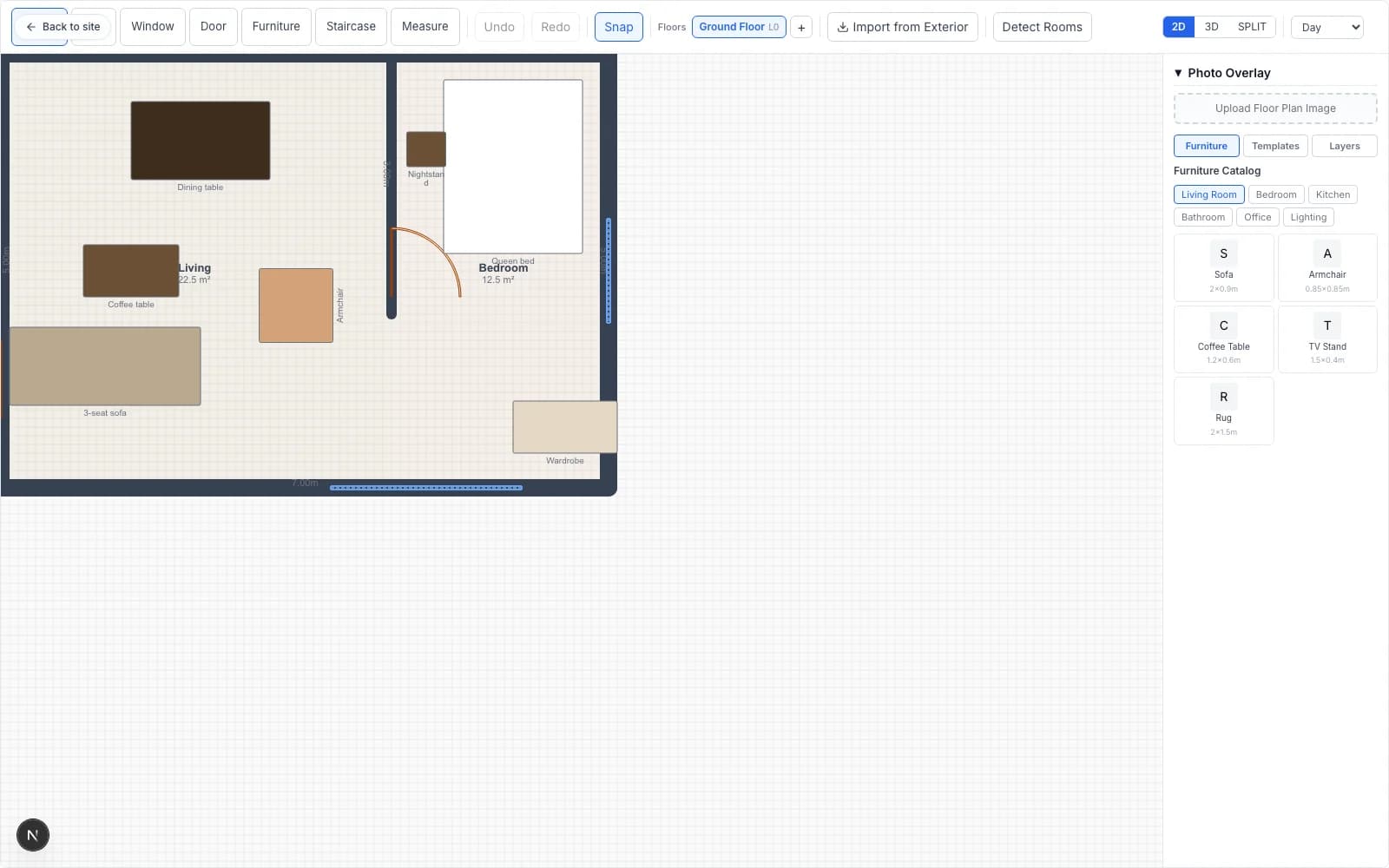
Draw walls, place doors and windows, drag furniture from the catalog. Snap-to-grid, room auto-detection, measurement tools.
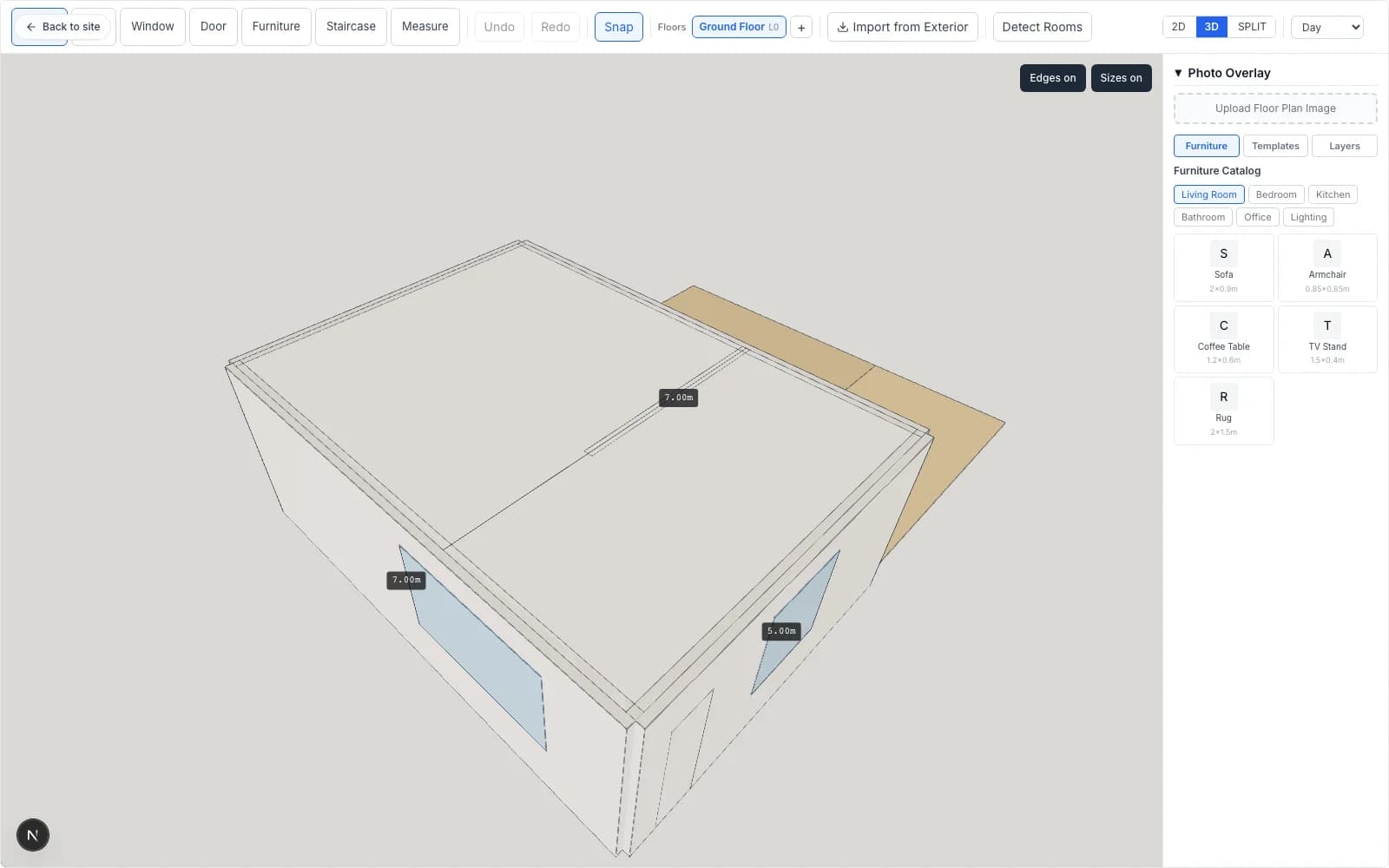
The same plan, in 3D, updated in real time as you edit. Toggle edges, measurement labels, and day/evening/night lighting presets.
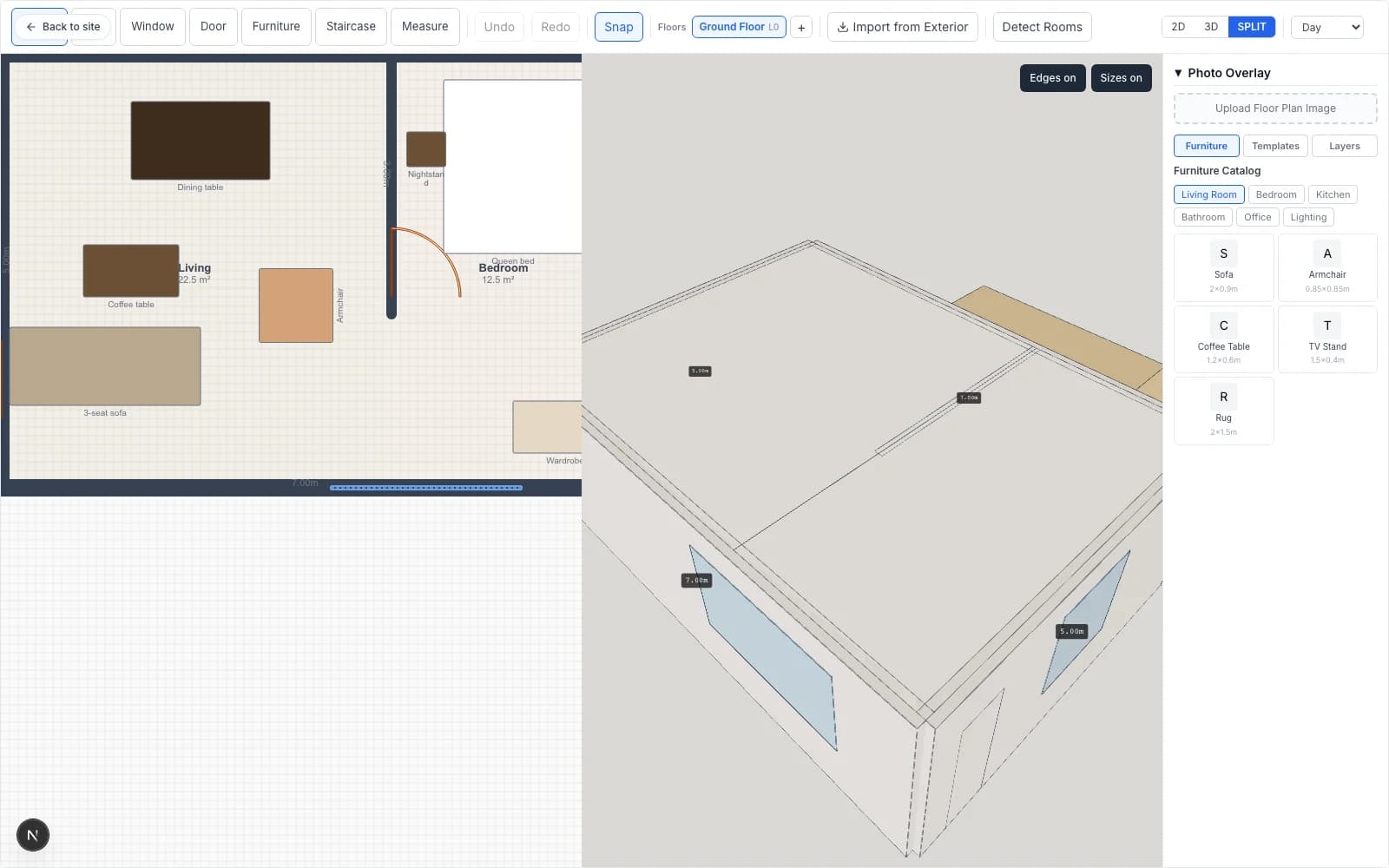
Edit on the left, watch the 3D update on the right. The fastest way to iterate on a space.
Mobile
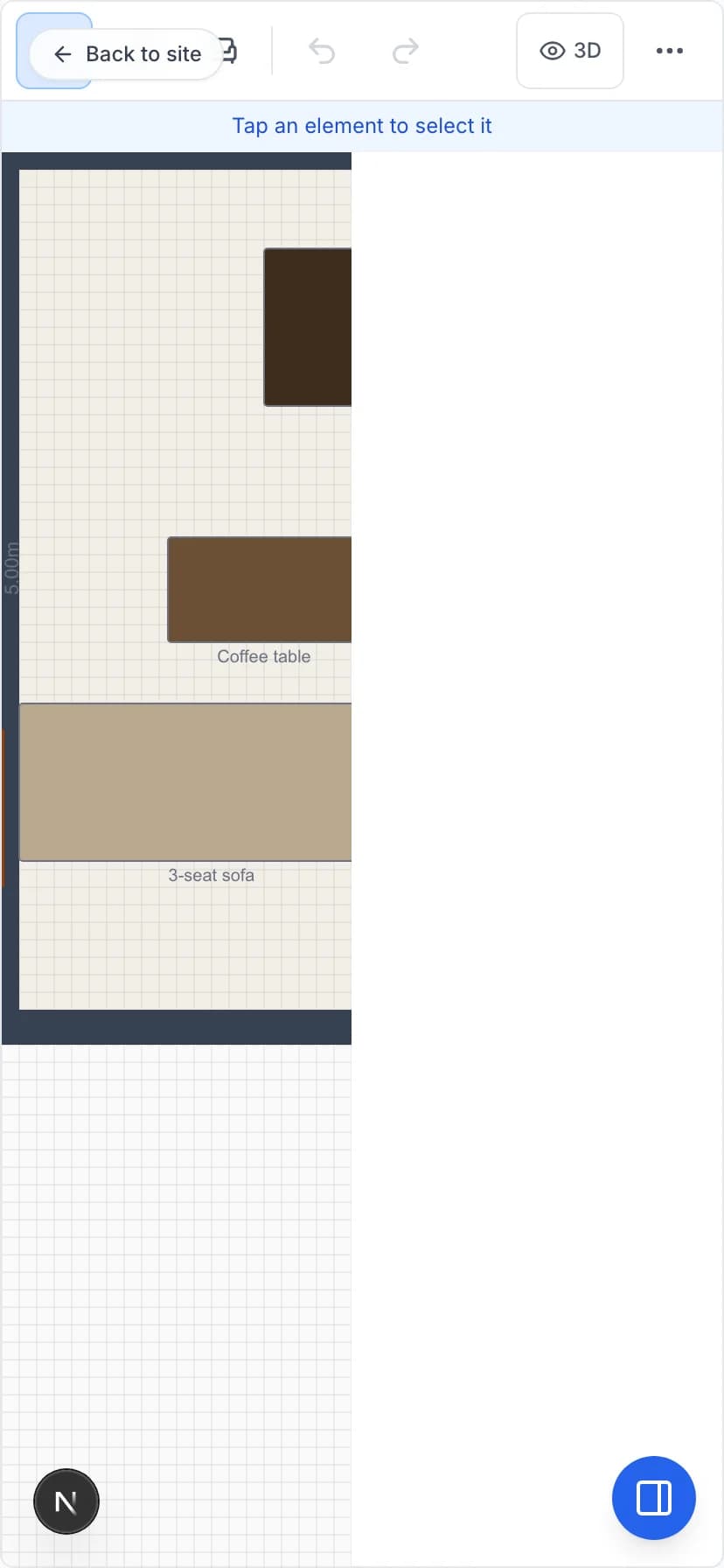
RoomCraft is built for touch first, not bolted on as an afterthought. The mobile toolbar surfaces the four tools you actually use — select, wall, door, window — and everything else is a tap away. Sketch a measurement in a coffee shop; refine it on your laptop later.
Features
From the first wall to the final quote — one editor, no plugins.
Draw walls, place doors and windows, and detect rooms automatically. Click-to-place with snap-to-grid and measurement tools.
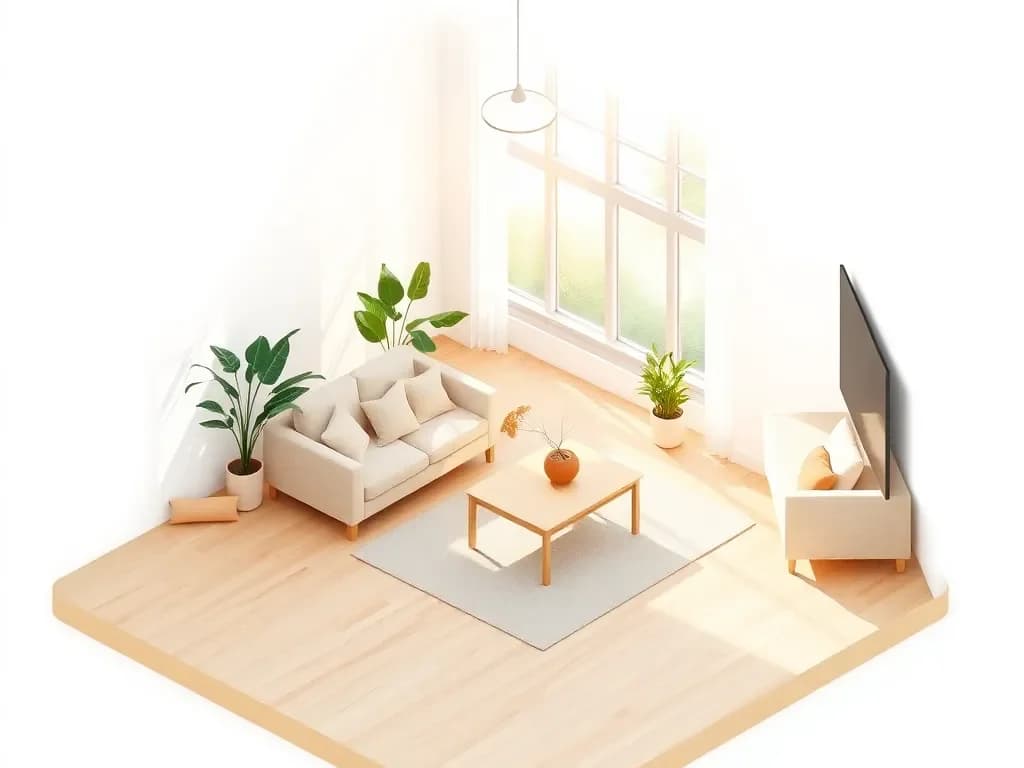
See your design come alive instantly. Walk through your space, tweak lighting moods, and export high-res renders.
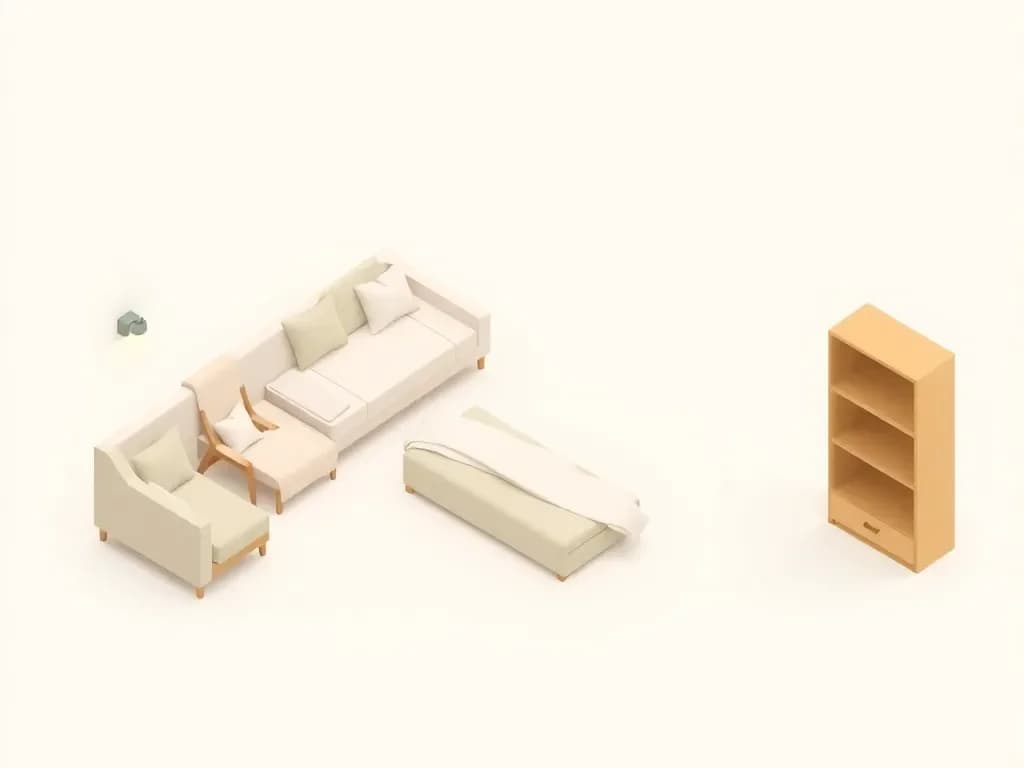
Drag from the catalog or design your own. Attach items to walls, floors, or ceilings, swap colours per upholstery slot, embed light sources where they belong, and group pieces together so dining sets or kitchen runs move as one labelled node.
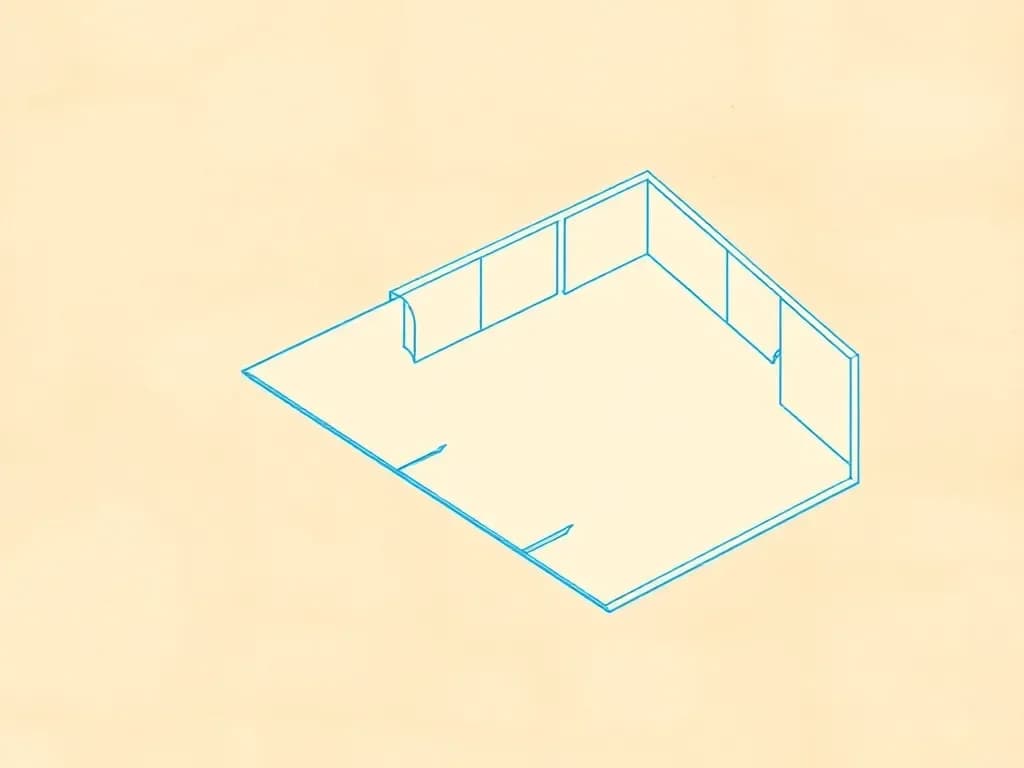
Drop in a photo or PDF and trace over it. Opacity, rotation, and scale controls make digitising paper plans painless.
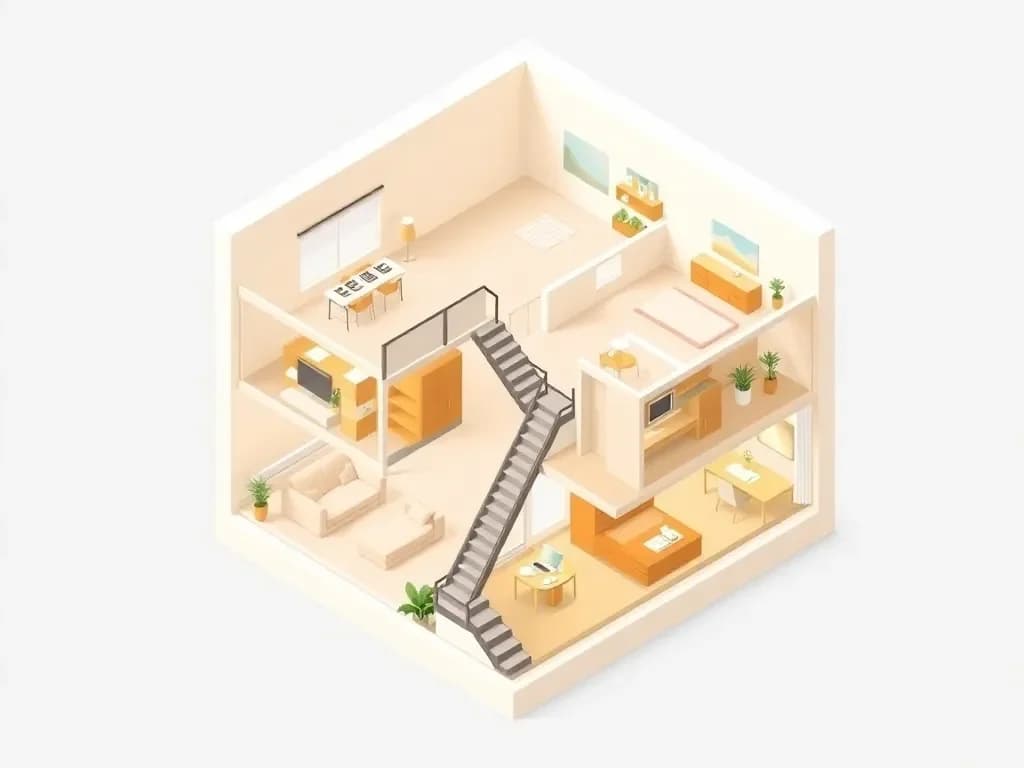
Stack floors (basements included) with one click, copy layouts between storeys, drop staircases that connect levels cleanly, and add elevator shafts with animated cars that travel between the floors they serve.
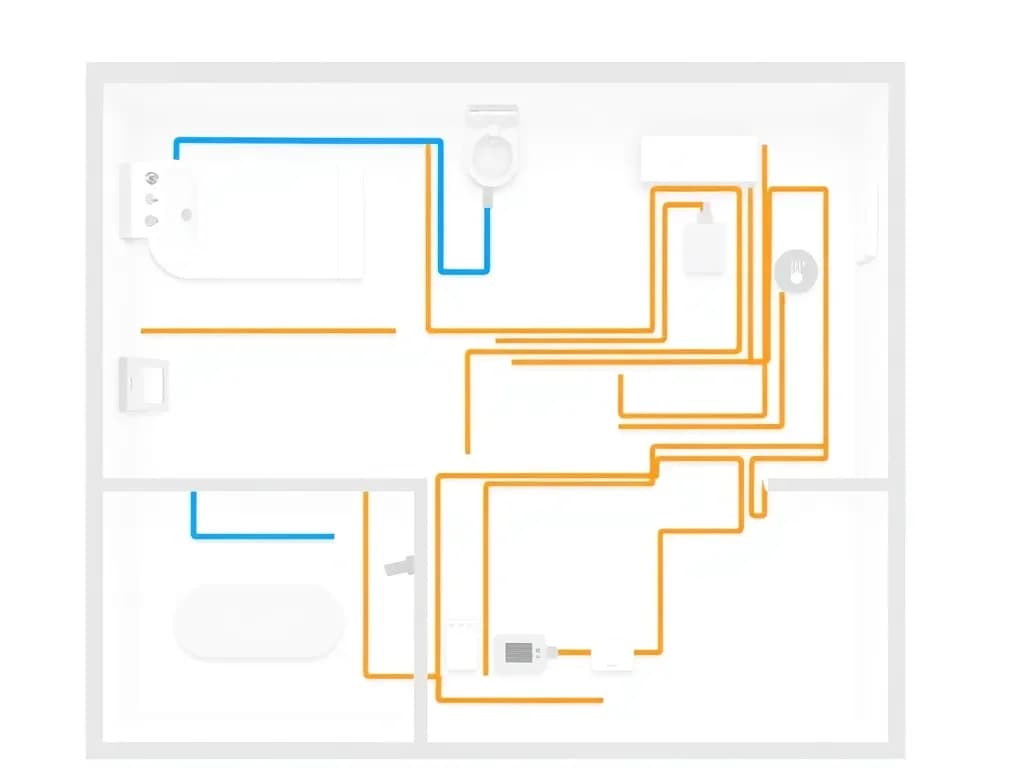
Toggle plumbing, electrical, and HVAC layers on top of your plan. Pipes, wires, ducts, and fixtures with their own symbology.
Tweak any item — dimensions, material slots, colours — and save it as a reusable variant. Drop it back into any project, or publish it to the community marketplace once an admin approves.
Hang framed art on any wall and add parametric curtains to windows — pinch, grommet, or plain — without leaving the editor. Frames update price + budget automatically.
Every furniture piece, paint finish and flooring tile carries a price. Set a target, watch it turn red when you go over, and export a client-ready PDF quote with tax and designer fees in one click.
Vendor-branded models alongside community variants, plus painters, floor installers and tool rentals. Attach anything to a project and it flows straight into the budget.
Open the same project in two browsers and watch each other's cursors and edits sync instantly. Nothing to configure and no merge conflicts to resolve.
Publish a project with a public link, decide whether to include the budget, and let clients duplicate it as a starting point for their own design. Social previews baked in.
Bookmark 3D views per room and jump back to them in one click. Build a walkthrough by chaining waypoints — straight legs for hallways, smooth Catmull-Rom curves for circling a room, per-stop pauses, and an optional loop for kiosk-style demos.
How it works
Sketch walls, doors and windows on the 2D plan — or trace a photo of a paper plan. Rooms are detected for you.
Drag furniture, art and lighting from the catalog, swap materials, and watch the budget update as you go.
The 3D view follows every edit in real time. Orbit the room, set the lighting mood, or share a live link.
Pricing
Start for free, upgrade when you need more.
Perfect for getting started and exploring the editor.
$0
Free forever
Everything for professional design work.
$19/mo
Billed monthly
Built for design teams and agencies that collaborate.
$49/mo
Billed monthly
Tailored for large organizations with advanced needs.
Custom
Annual contract
Prices in USD. Paid plans are rolling out during the beta — sign in to get started.
Open the demo and move a wall. The 3D view follows along — no sign-up, no install.